

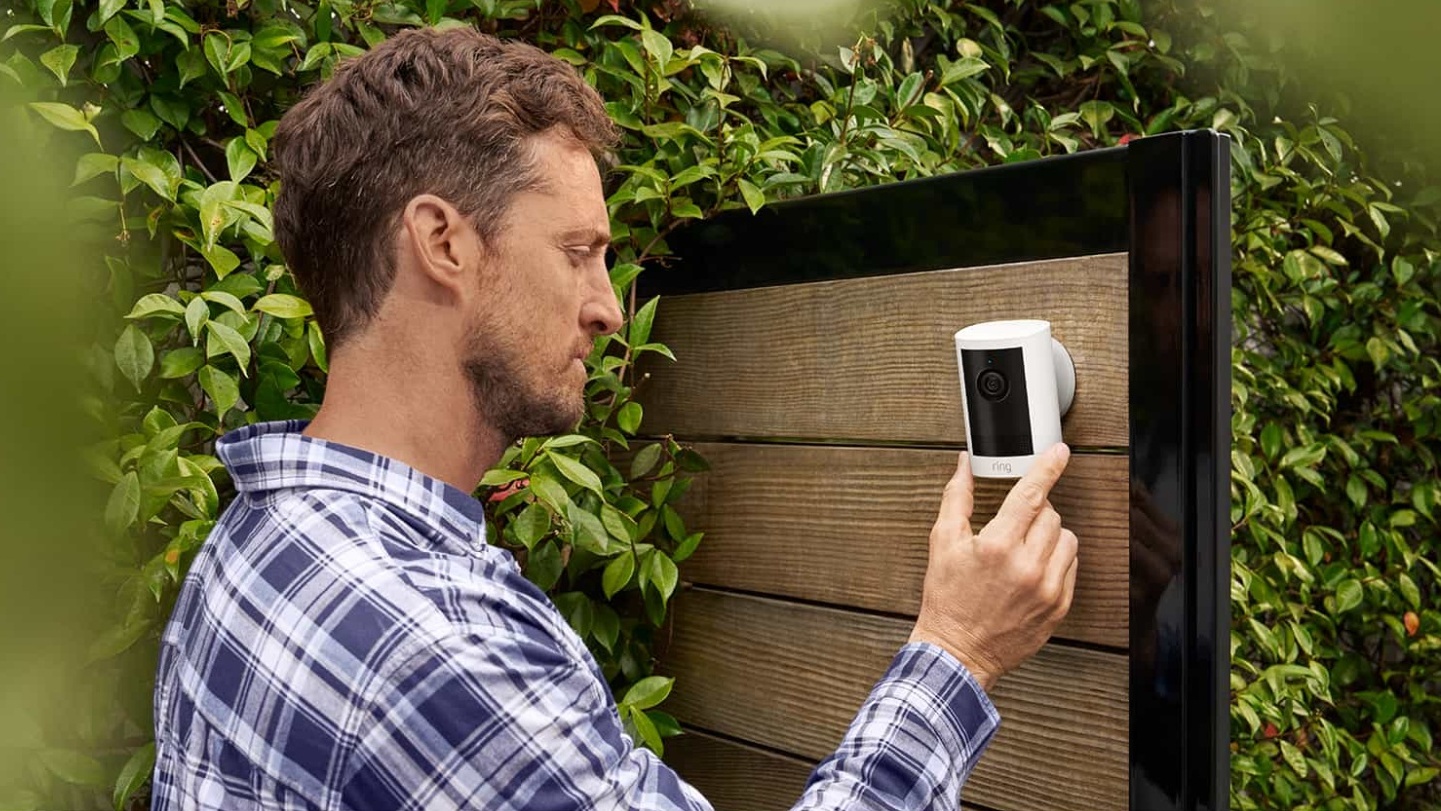
I have been using Ring doorbells for a combination of security and alerts for a couple of years now. The simplicity of setting up and features it offers has been an absolute god-send. From knowing that a package was delivered while you are at work, to knowing when your kids come home, they are fantastic devices. But what if you want something slightly more security camera and slightly less doorbellish? Well, Ring has had a range of cameras for a while, and I took the surprisingly reasonably priced Ring Outdoor Camera 2K 2nd Gen for a spin.
What is so 2nd Gen about it?
If you already have a 1st gen model, then this is a huge upgrade. The obvious change is the upgrade from 1080p to 2K, which is a hell of a lot more detail, as well as offering 6X zoom. This makes getting that little bit of extra detail like what someone is carrying, or a car’s number plate, so much better. The other major change is the upgraded field of view from 110° horizontal and 57° vertical to 140° horizontal / 80°–85° vertical. Depending on your house, the vertical could make a massive difference, but that horizontal view is pretty damn excellent, because it allows you to capture so much more. 110 was pretty solid, but that extra 30 degrees allows you to point the camera more centrally and capture almost everything in front of it. This makes the camera so much better at, say, the back or front of the house where you want an almost perfect view of your yard.
If you are after 24/7 recording, then this has an option as well which the previous model didn’t have. There is a caveat here though, in that the camera must be plugged in to mains power, and you need one of the subscription plans. I will touch on the subs later, but a note about this feature is that connected with using the solar power panel doesn’t give the 24/7 recording option.
What if you are looking for your first security camera?
If you aren’t in the Ring ecosystem yet, then how much better it is than the last one doesn’t matter. Instead, the question is how good is it out of the box? Well, this is one area Ring excels at, set up is so easy. Loading the app onto your phone, you scan the QR code on the back of the camera, and after setting your account up it walks you through the whole process. I mean the whole process.
It shows you how to open the camera up, how to charge the battery, how to take the mounting panel off, and how to put the camera back on after the mount is on the wall. It walks you through some of the basic and easy settings choices so you can take advantage of its features and everything. Before you know it, you know how the camera works, and it is already going.
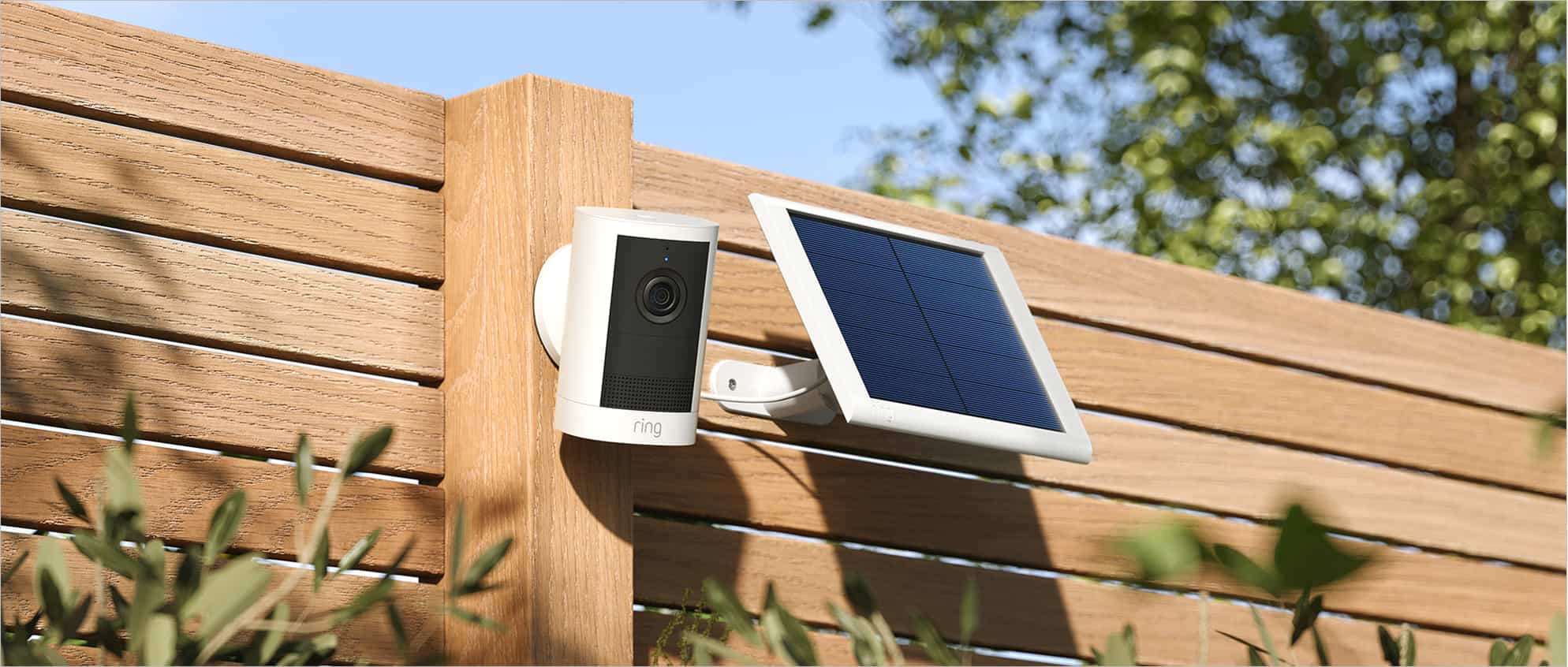
One of the big benefits with these cameras is that they have a battery option. So you can buy a separate solar panel upgrade to keep it constantly charged, you can connect it to a power source to keep it fully on 24/7, or you can remove the battery when it is low, charge it up, and pop the battery back in when done.
Out of the box it comes with the charging cable, and that’s it. So, if you want it connected to mains, then you will need additional features. The easiest of these is the $70AUD cable, which has the USB-C plug at one end and up to 6M length to a wall socket. Personally, I use the battery and it’s awesome. If you have a spare battery, then you can have one charged and ready to swap out when the battery runs low. One bonus is it is the same battery as some of the older Ring Doorbells, so if you have one of those in use, then one battery can be charged as you cycle through your units. The battery does use Micro USB instead of USB-C, so if you have already used a Ring device, all your stuff is still compatible.
How is it for a security camera?
Out of the box, and without any subscriptions, it is good. Using the app, you can jump straight into live view at any time to see what’s happening on your property. You can set alerts without the subscription, so the Ring app can alert you if there is movement in the area. Obviously, you can have a lot of movement in the field of view, like neighbours walking along your fence line, so that would be annoying if you got pinged every time. The good news is the camera has a solution for that.
You can in the app set areas where you want the camera to alert you if it sees movement. This is super easy, and you basically move the lines around on the live camera to say alert me in this area, and not outside this area. On top of this, you can set sections the camera doesn’t record, e.g. yours or your neighbours windows, and it leaves a black box on there. So you can walk around your house naked without worrying about it sticking footage in the cloud.
There are options for this camera that come with floodlights as well. These are awesome, especially if you want to be able to light up a path or something when you walk past. The version I played with doesn’t come with lights. So how does it work at night?
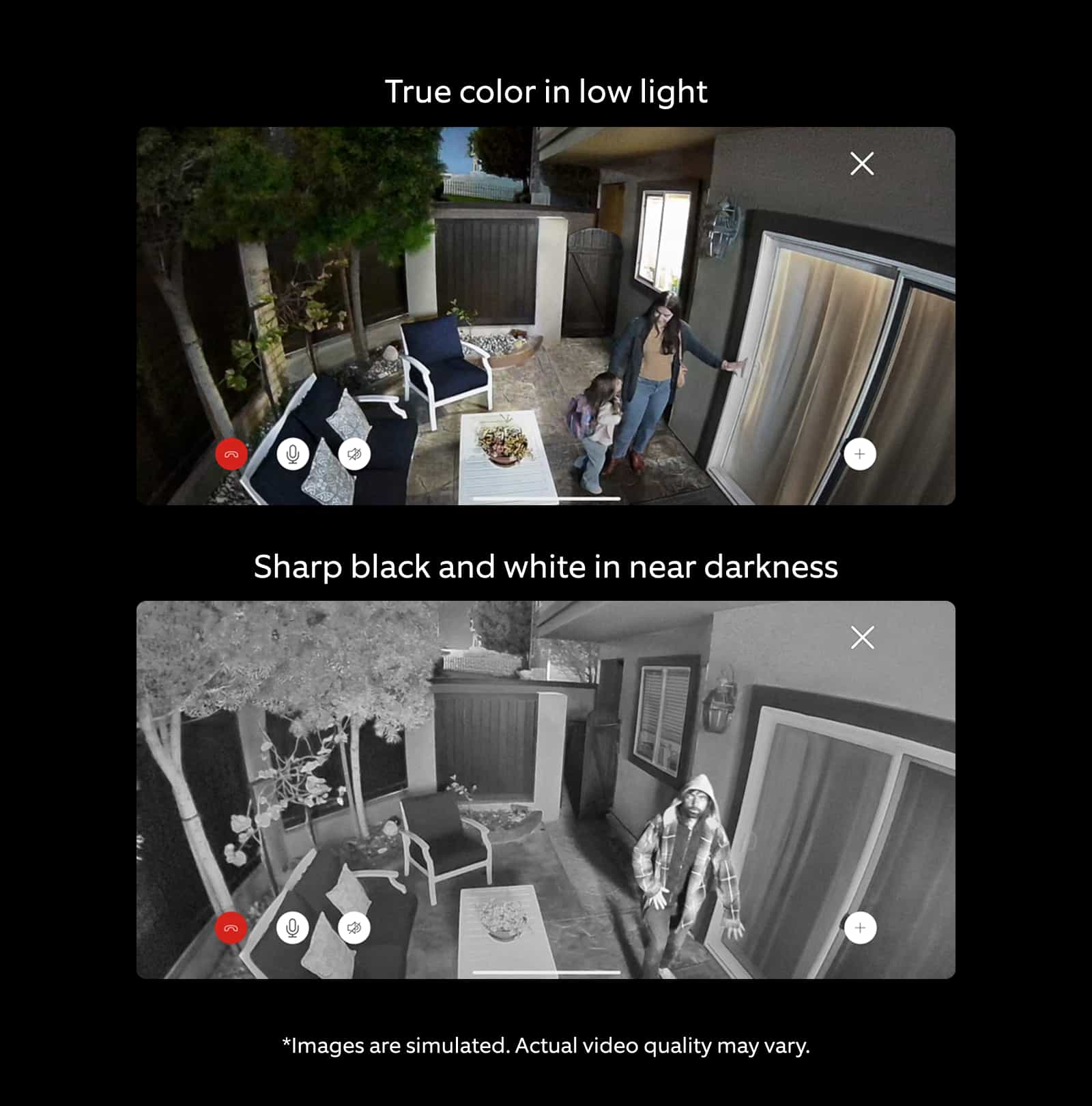
It comes with both Low-Light Sight and Infrared Night Vision. So if it picks up enough ambient light, like streetlights or lights from people’s houses, it will still record surprisingly well in colour. Once it gets too dark, though, it switches to black and white, and while the details dip, it is still shockingly accurate.
The subscriptions
There are a bunch of different subscription options. I, for instance, use the Ring multi subscription for $15 a month, which gives me 180 days of recording to go back and view videos. What it doesn’t include, though, is the 24/7 recording. If you are using one of these cameras, you can use an add-on for $4 a month if that’s a feature you need.
The flip side is if you want multiple cameras with 24/7 recording, you may need to go up to the Ring Pro sub for $30 a month. This also brings a bunch more features, including all the AI smarts, so if you do want multiple cameras with 24/7 recording, you get a lot of bang for that $30.
Without subs, these are still excellent to be able to get that live view if that is all you need. But if you are keeping an eye on your puppy, and want to know how and when he got into the chicken coup, you may need to pay for that sub.
Should you get one?
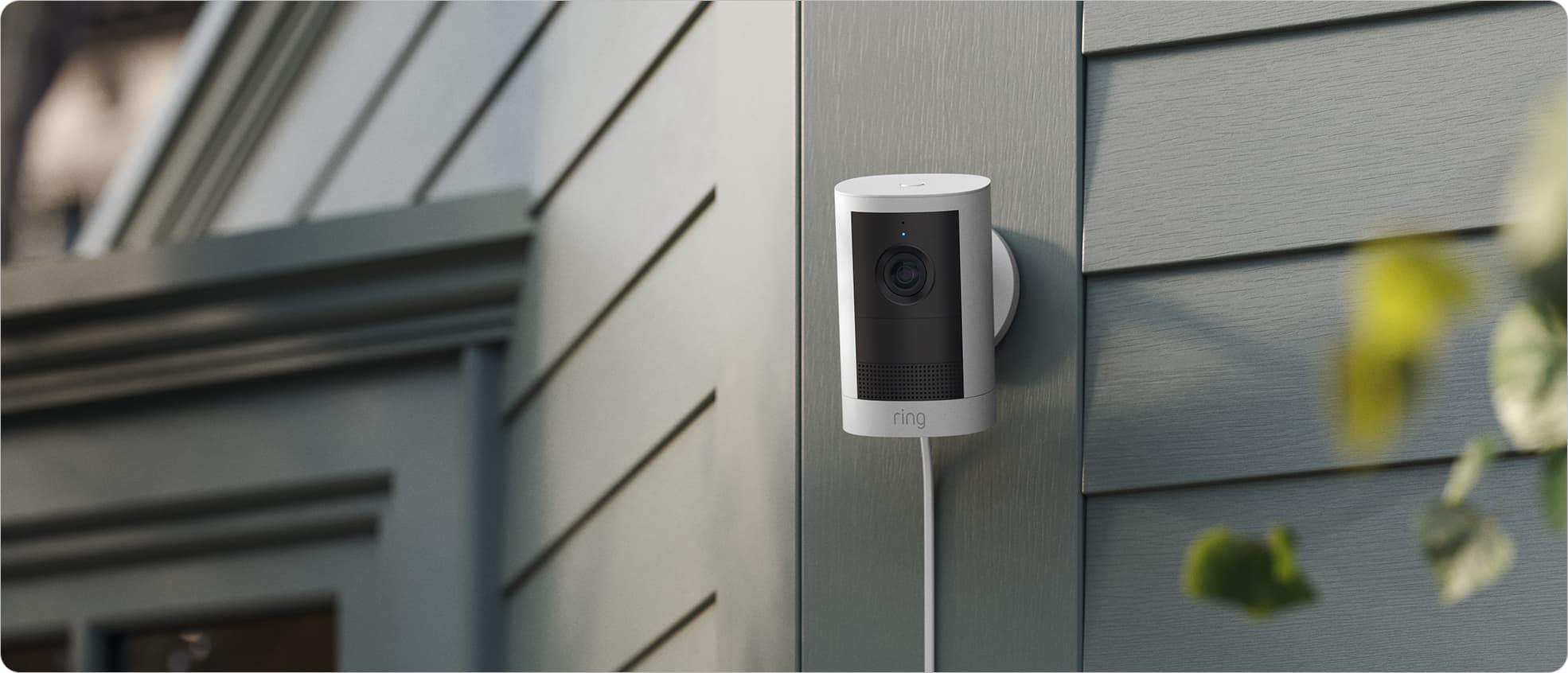
If you are already in the Ring ecosystem, but want the added ability to watch your backyard, this is a shockingly reasonable purchase at around $180. Even better if you are getting a couple, two packs wind up at around $140 per camera.
With excellent battery life, and an IP65 rating that can operate between -20°C and 50°C, it is well-designed to deal with Aotearoa NZ’s weather. Between ease of setup, ease of use, and the features on offer, this is a banger.

1 Comment
Pingback: Ring Pan-Tilt Indoor Cam 2K Review - Yeah Nah Gaming