

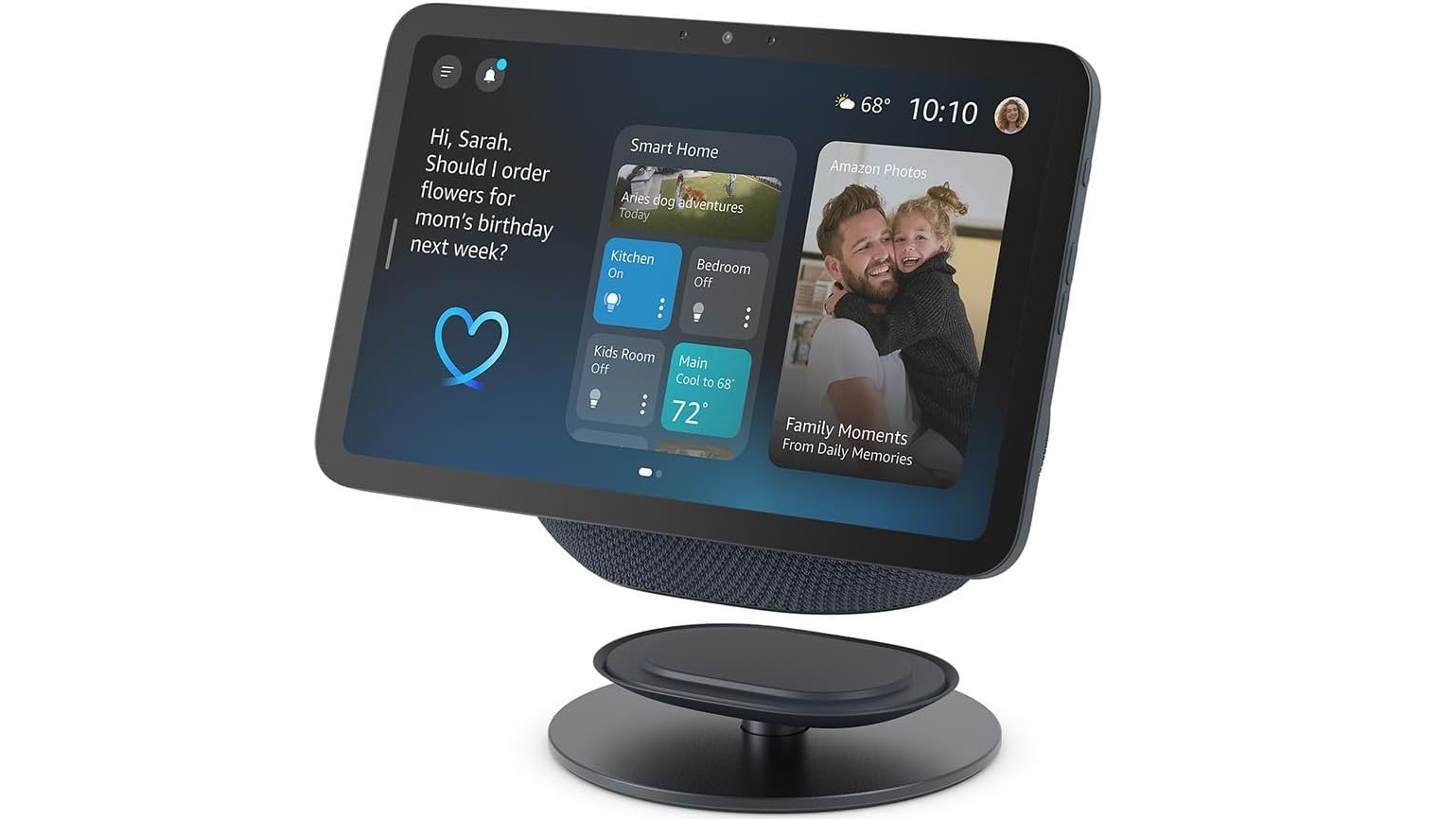
I have gone down a massive Alexa path in my household, between turning on and off my lights, blasting Spotify music to appease my kids, to showing what’s happening at my front door. Having used Echo devices, I was pretty keen to check out one of the bigger Echo Shows, and so with that, I have now got to take the new Echo Show 8 for a spin, and I am digging it.
Design
These devices wind up in a pretty central part of your house, so their design is pretty important. The Echo Show 5 I had been using was a simple sleek design. The new Echo Show 8, on the other hand, looks like a large Echo Dot with a Tablet glued to it. In some ways, it kinda looks like a janky design where someone took two devices and duct taped them together. But in other ways, it honestly gives it a nice charming feel to the device. The other benefit this offers, is that by not using a giant triangular shape, it actually frees up physical space where it is placed and also frees up visual space. It may seem like a little thing, but the way it takes up less visual space makes an actual real difference.
Added to this is a mount you can pop it on. The official mount allows you to change the angle the screen is pointing easily, which means when you are cooking you can point it up to show you the recipe. But then you need to turn it around and face down, so your toddler can watch a video to keep them out of your hair when you cook. It almost needs a screen on both sides so you can cook and entertain your toddler at the same time, but this might be too specific of a use case to build the device around.
Ease of use
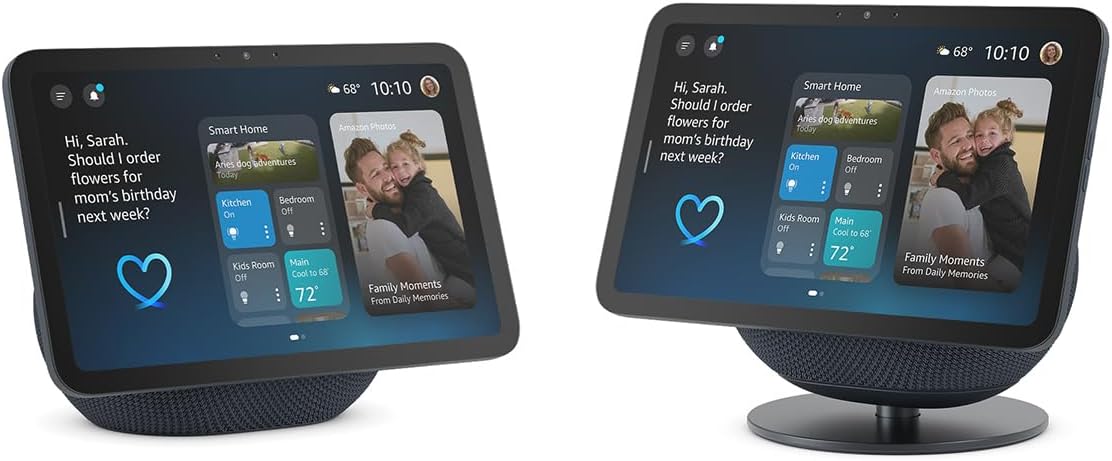
As with all the Echo devices, these things are so easy to set up. If it is your first device, then you install the Alexa app on your phone, set that up, then scan it to set your fancy new device up. If you are already in this eco-system, it is even easier. When I powered it up and launched the Alexa app, it found the device without me doing anything, and then I had a few steps to get it up and running.
Using the device itself, you can, of course, start using Alexa voice prompts, and it is good to go. The nice big touch screen, though, needs to be easy to use too. As always, it is super easy to change the settings like the background picture. Swiping from the right lets you go through widgets like some games, weather apps, etc. Swiping down makes it super easy to change settings, or launch things like video streaming services. What you can do with the swiping is limited, sure. But the power of the devices comes from voice prompts. These have come a long way in a short time to deal with Kiwi accents, so it didn’t take long for my toddler to realise that it was a new Alexa device and get it jamming Spidey and his amazing Friends theme from Spotify.
There are some buttons on the side. One turns off the camera and microsphone, and the others do the volume. The bulk of the time though I suspect you will be controlling the device with your voice.
Quality
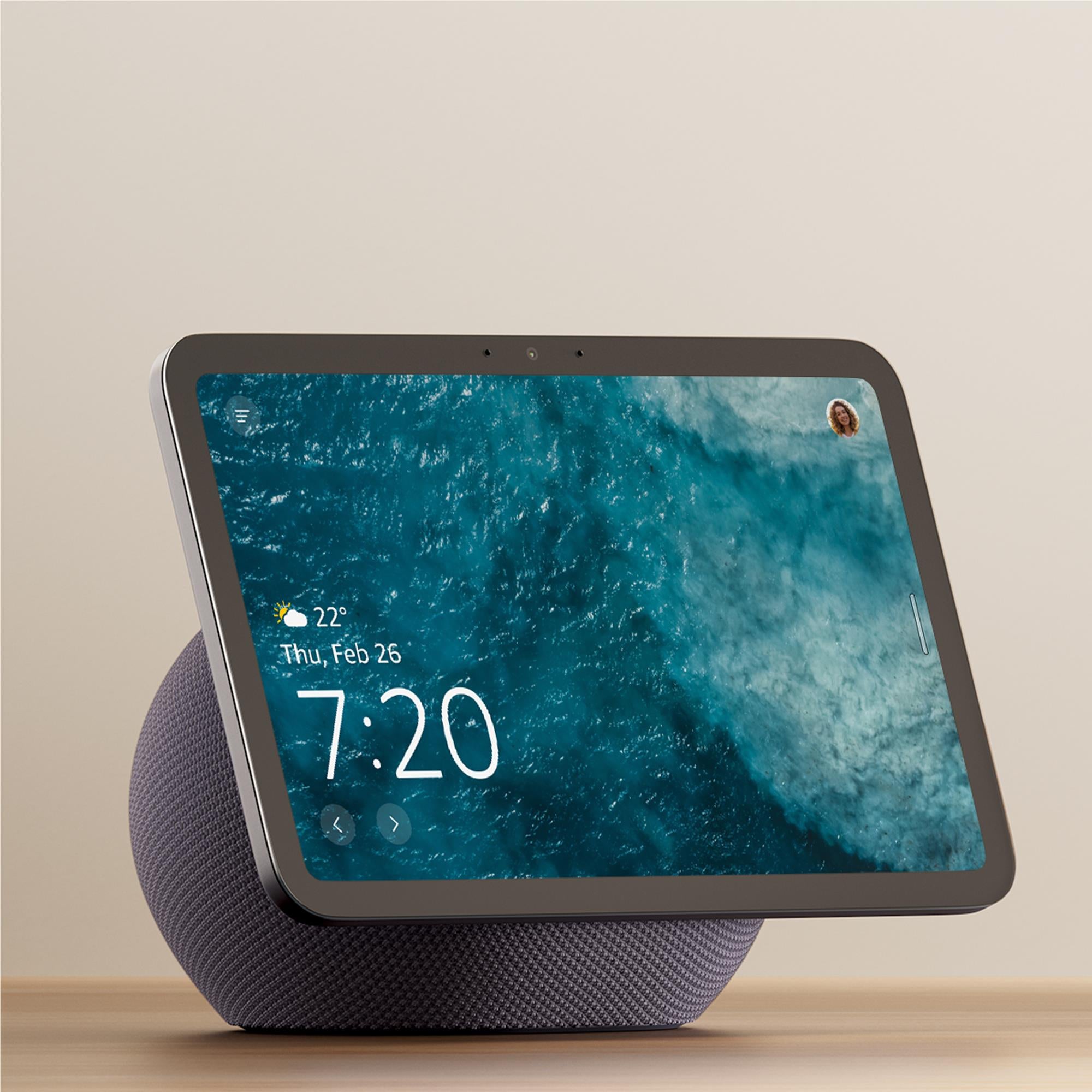
I was a little bit nervous about the way the screen went so far past the size of the speaker at the back, that it would feel flimsy, but the thing feels incredibly solid. I initially felt nervous grabbing the screen to move it around, but after a week of abuse, the new Echo Show 8 has me not remotely worried now. This is especially important given it has a nice full HD quality that can get shockingly bright, which can be especially useful depending on where in your house you need it.
The microphones on the device and speakers are shockingly top-notch too. The shape seems to have allowed the Echo Show 8 to have made it easier for Alexa to pick up your voice from different angles. And then the classic Dot mech style can belt out the tunes. Whether you have Spidey and his amazing Friends playing, Truck Tunes, or Taniwha from Alien Weaponry (yes, I get to play tunes too), it sounded fantastic at lower and higher volumes, especially compared to older devices. The two 2.8 inch subwoofers do the work here and the spatial sound is exceptional. The quality of the speaker tech shows… well sounds.
That doesn’t mean the device is perfect…
No physical camera shutter
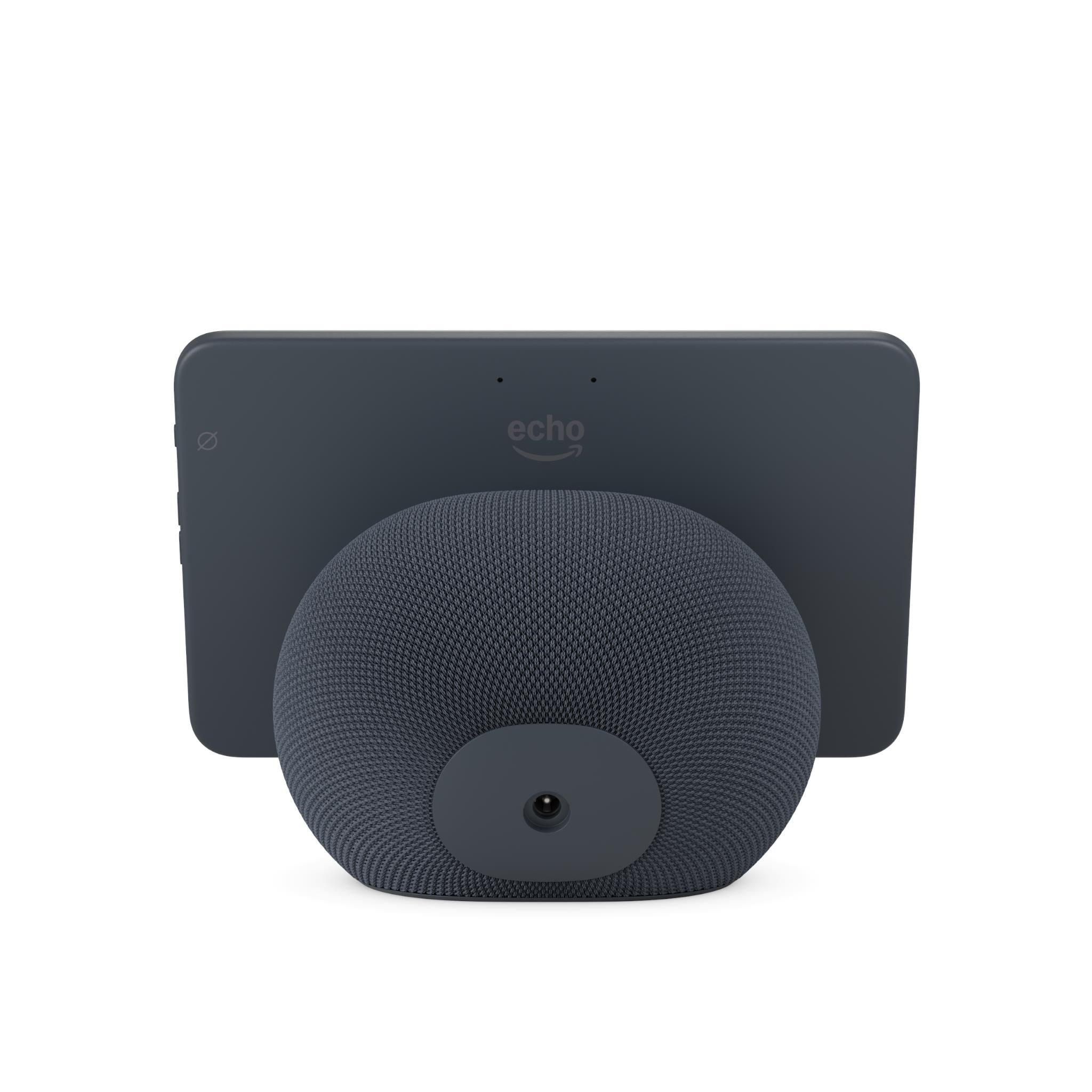
This may be a minor thing, but there is something about it, I miss. There is a lot more awareness of security these days, and a camera inside your house can make a lot of people nervous. Especially with a device connected to the internet. The older Echo shows a physical slider, so the camera was literally covered. The new Echo Show doesn’t offer this. There is instead a setting to disable the camera on the device. Now while I am confident that Amazon wouldn’t turn the setting on and watch me doing a crappy job of cooking tea, that doesn’t mean an IOT device can’t be compromised. Depending on where you have that device in your house will determine your risk tolerance. I mean the laptop I am using right now, and my phone both have cameras I can’t cover with a slider, so it may be the change that is jarring to me, and not the actual risk.
Alexa+ one day…
The new devices have been put front and center on the Alexa+ feature. This is where Alexa gets super powered by AI. Unfortunately, this isn’t available in Aus and Aotearoa yet, but when it does, you will be raring to go. If you want to, of course.
Should you get one?
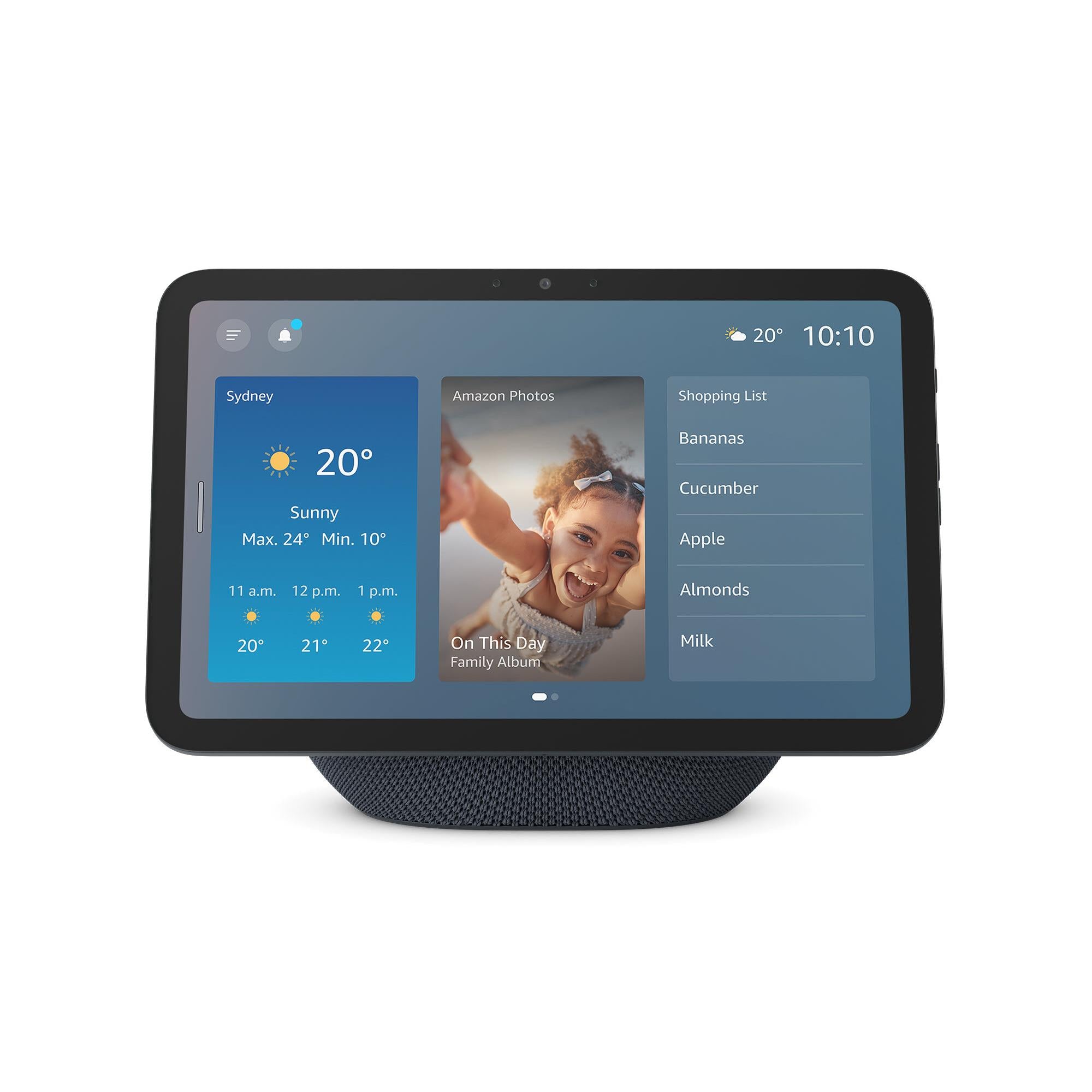
I wasn’t sure if I was going to be too enthused about this device, but with a few weeks under my belt, I am seriously impressed with the Echo Show 8. The eight-inch screen is big enough to make looking at videos so much easier than the smaller screens, but not so big it takes up too much valuable space. The design quickly grows on you, and the sound upgrades are fantastic. This feels like a device worth checking out if you don’t have a show, and is worth considering an upgrade for.
As far as smart home hubs go, this is the best I have used so far.
A nice screen, good quality sound, and heaps of functionality.
