

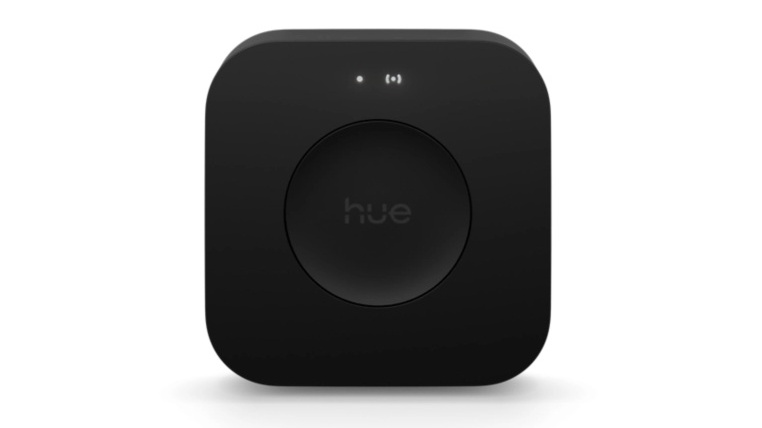
If you have gone boots-deep into smart homes, there is a good chance your lights are doing all
kinds of smart, fun shenanigans. Whether you have them turning on when you walk in the room
or if you have them syncing to your TV, all of that requires some smarts. Philips Hue has
housed their smarts in the Hue Bridge, and if you have been using Philips Hue for a while, your
bridge may be struggling. So I got to take on the Philips Hue Bridge Pro to see if it is worth the
upgrade.
No need for Ethernet!
This is a bugbear I have had with the Hue Bridges for a while. They had to be connected via
Ethernet, and as most mesh home routers these days come with one, it limits your options.
Sure, I have a switch allowing me to connect multiple devices, but for most people this is a pain
in the back side.
Well, the pro gives you the option to use WiFi. This feels like it should have been in the devices
for years, but it’s there now, and I appreciate it!
So many lights!
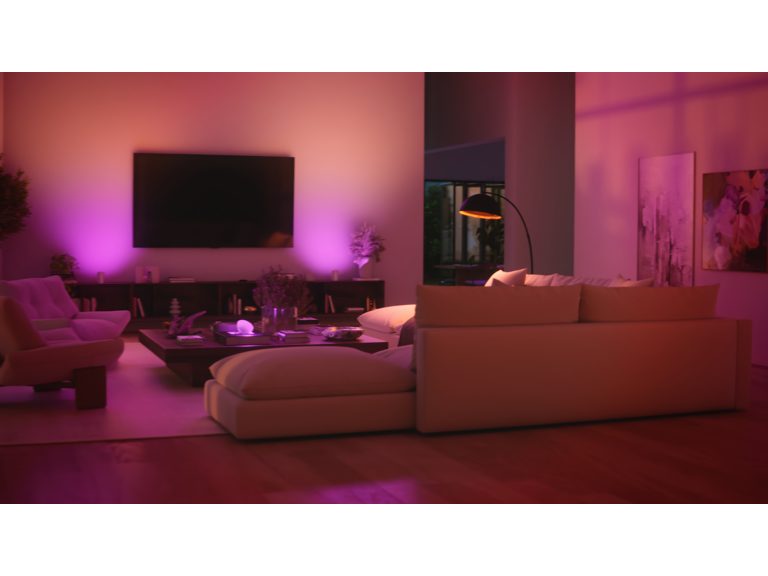
The Philips Hue Bridge Pro can support up to 150 lights and 50 accessories. This is a massive
change from the 50 lights and 12 accessories that the old Bridge supported. Now these may
seem like big numbers, but if you have slowly been adding to your collection over the years, if
you haven’t hit that cap, you may be scarily close to it. A few lights in the hall, the bedrooms,
some lamplights, and light behind and beside your TV – it does not take long to run out of
fingers and toes to count on. And you’re not halfway through yet. I heard many stories of people
having multiple bridges to run their setups.
If you hit this cap on the Pro, though, you may be lighting a concert venue, in which case you
may need a different setup. Or you know, you have a mansion, in which case, buy a second.
That way your butlers can turn their lights different colours as they rest.
A whole lot more power
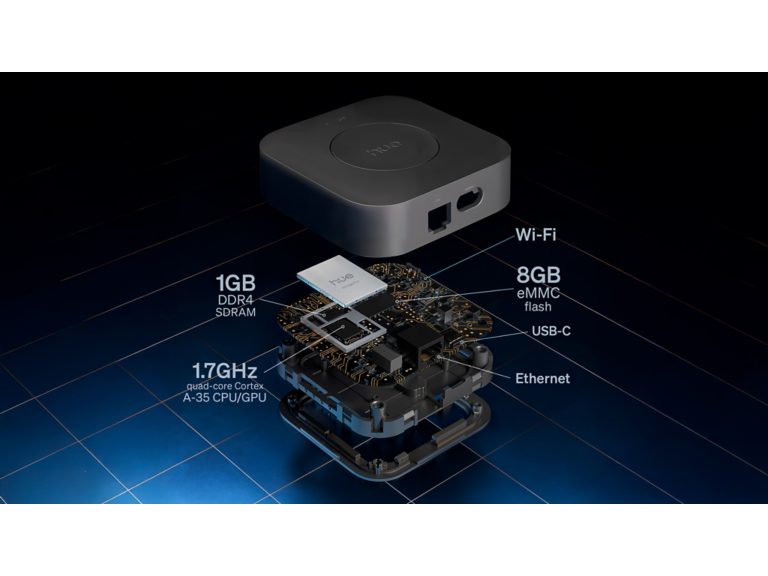
I won’t get into the specs themselves, because that’s boring to read about unless you’re as into
the tech side as I am. What I will say is that the device has been given a solid performance
boost. What this means is responsiveness is way faster. Connecting my old one to Alexa was
awful, but it connected like a breeze.
Added to this is the actual response times themselves. Using the app before the lights reacted
fine, but there was a noticeable delay. That was basically gone once I switched to this new
bridge. Added to this all the scenes and automation you may want to do, and all of this is made
easier with the power under the hood here.
With Zigbee and Matter support, this device really is built to get your dope lighting setup working as seamlessly as possible.
Should you upgrade?
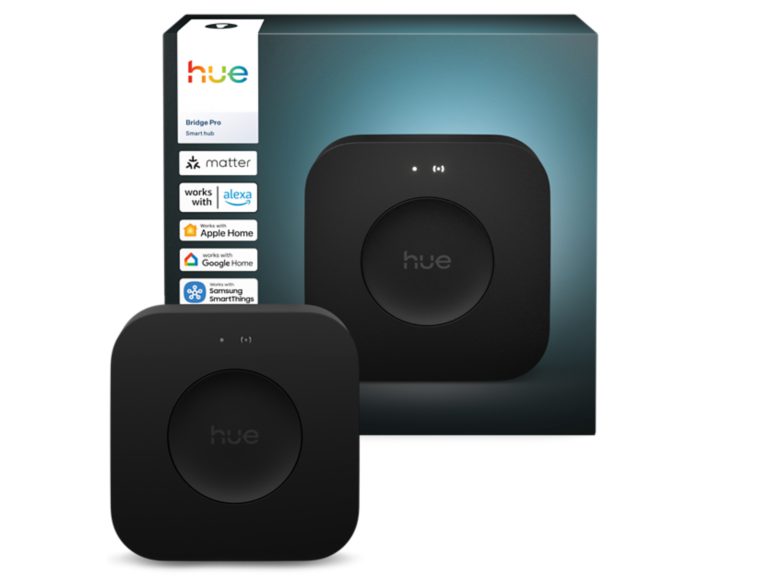
If you are running a few lights and you are happy with how it acts now, then an upgrade isn’t
necessary for you. On the flip side, if you are hitting capacity with your current bridge, whether
it’s starting to chug with the fanciness you set up or you are hitting the capacity of your current
lights, then this is a no-brainer. Added to how insanely easy it is to migrate, there is no reason
not to.
It may not be the fanciest looking part of your setup, but it is crucial to your fanciest setup being at it's fanciest!
