

In two decades of reviewing consumer technology, I’ve never had my opinion change so drastically in so short a time.
This is what I was going to say before failing to actually publish this review for eight weeks. What can I say, sometimes I win, sometimes the ADHD wins. In this case, however, I would argue that the Logitech X2 Pro Superstrike mouse wins, because I’ve now spent two months using this device on a daily basis and can REALLY speak to what it is.
To click or not to click
So, back to my opening statement. When I unboxed the Superstrike X2, my immediate reaction was fascinated disgust. It felt unnatural, like the uncanny valley of mice. Several seconds later, my revulsion melted away and I was merely fascinated. A short time later, I was fully on board with this as an amazing, but still fascinating, innovative in the field of mice.
I should explain all of that, right? Well it all comes down to the click.
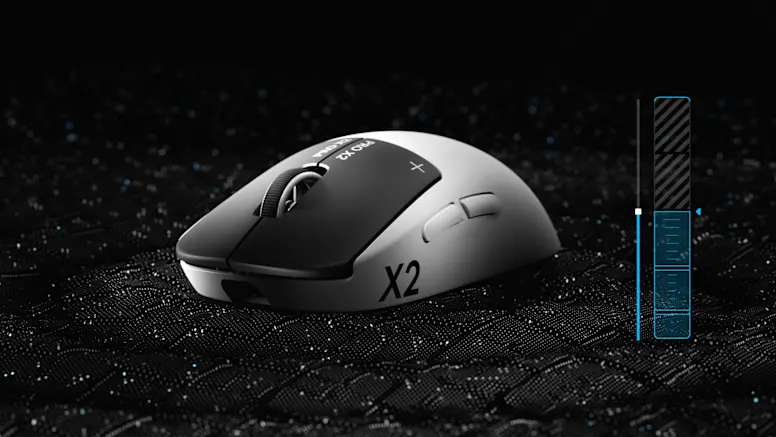
The Superstrike markets itself as the mouse with the most customisable click, and Logitech is not kidding. My initial horror came from the fact that, when unpowered, the mouse clicks have zero haptics; like no feedback at all. Which, again, is deeply unsettling. When powered, the default haptics kick in and it feels mostly normal, if a bit weak.
But oh baby, the Logitech G Hub lets you do things with this little guy.
I opened up G Hub and set the haptics to maximum, just for fun. And fun it was; the difference between the standard (setting 2) and the maximum (setting 6) isn’t just night and day, it’s the closest I’ve ever felt to a ricochet into my index and middle fingers. Do you want this all the time? Almost definitely not. But do you want the option there? Hell yeah.
I settled on a 4, which is not too hard, not too soft, but all around satisfying. Like… like a good caramel, maybe.
But enough about the click. As Plato probably would have said if he were alive today and also a gamer, there’s more to a mouse than haptics.
On a scroll
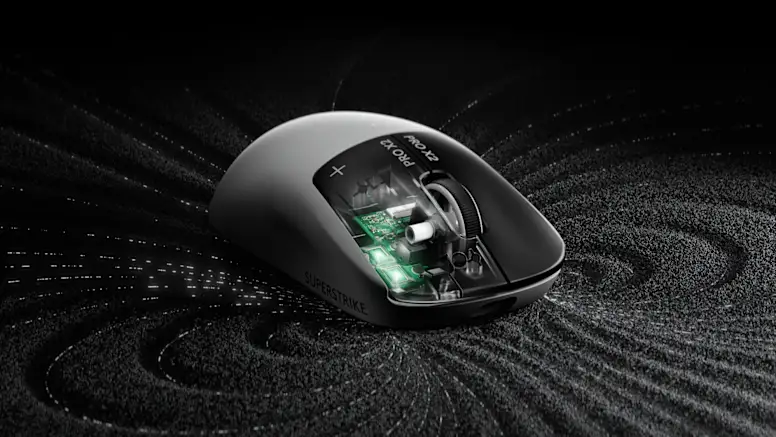
How often have you accidentally nudged the scroll wheel while gaming? If you’re like me, it’s a mildly irritating but regular occurrence. And clearly there are dozens of us (dozens!) since Logitech gave us scroll protection in the X2, and I was interested enough to put it on for a bit. And yeah, it was helpful. But it’s a two-edged sword; when you DO want to scroll, you have to scroll just a bit more than you’d expect. I guess it’s a matter of whether you prefer accidentally scrolling or doing some more scrolling when you want to.
After my extended honeymoon with the Superstrike X2, I can confirm you do get used to this, and the scrolling becomes second nature. But I’ve said scrolling too much, so let’s move on to profiles.
Logitech G Hub has had multiple programmable profiles for yonks now, but being able to program the mouse completely for each game or application is truly great. Want to move slow and click hard on Overwatch while binding abilities to the side buttons? You can. Using Photoshop and need less feedback and undo with your thumb? Also very doable. A third example? There’s like 20, you’ll find plenty of use cases. And you don’t even have to change it yourself, as the Hub automatically detects what you’re doing and adapts to it. Pretty cool.
The Superstrike also comes with some optional textured decals for… grip, I guess? It’s nice, sure, but also I have a pet peeve on attempting to place semi-permanent stickers on something, because I am bad at it. But they’re mostly there, and they feel good. My main question is why Logitech decided to have us place these opaque black stickers over most of the neat X2 branding. It feels like a waste.
Also, you may get cat hair sticking to the edges. Well, you mightn’t, but I did. There’s a joke there about cats and mice, but I’m not going to insult either of us by going there. I will say that, again, my accidentally long-term review period has revealed the decals last for AGES, and mine show no sign of peeling or degradation at all. Points for good stickers.
Look, it’s just a great mouse
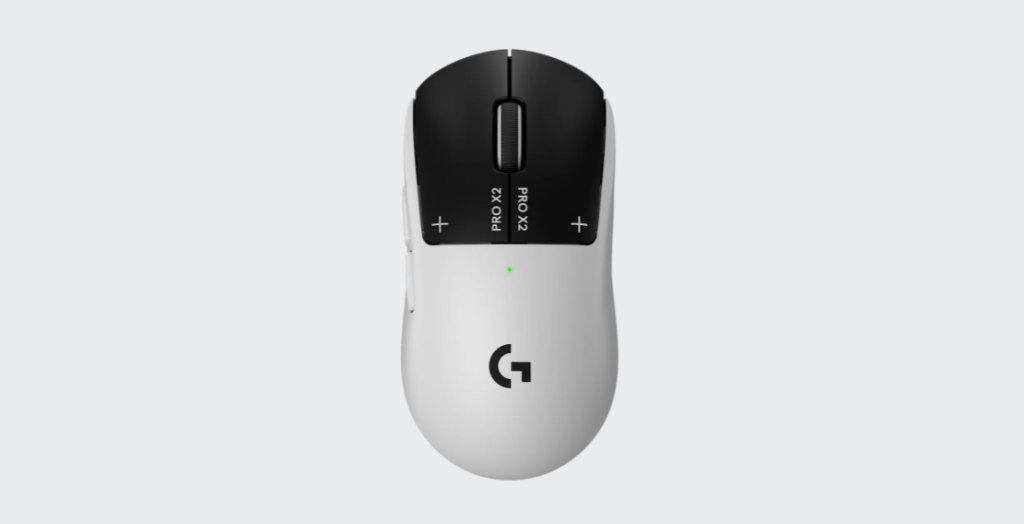
Overall, the Superstrike X2 is a really great mouse, and synergizes extremely well with the existing tools Logitech has given us. The price tag may make some baulk, coming in at a cool $299.99 NZD, but I would legitimately say this feels like it might actually be worth that. While it’s a bit light, it’ll last you a while, and the haptics turning off while the mouse isn’t powered should enhance the click life well into the future.
The upside of me being unable to finish this review until now is that I can definitively say you’ll still be loving this device 8 weeks later. I’ve used it every day, and if anything I like it even more now than I did when it was brand new. It’s just an exceptionally well designed peripheral.
If you want the most customisable mouse ever made, here it is.
